Cable internet explained for smart homes and everyday connectivity
The short answer
Cable internet is fixed broadband delivered over the same coaxial cable infrastructure historically used for cable TV, typically within a hybrid fiber-coax network. For many homes, it remains a strong everyday connectivity option because it can support fast downloads for streaming, browsing, gaming updates, and smart-device control. The main trade-off is that cable plans have often been more download-heavy than upload-heavy, so cameras, cloud backup, video calls, and creator workflows need closer review. Recent DOCSIS upgrades are narrowing that gap, but availability depends on the local operator, neighborhood plant, modem, and plan tier.
For smart homes, the best cable internet plan is not simply the one with the largest advertised download number. Check the advertised upload speed, latency language, data allowance, equipment fees, Wi-Fi coverage, and the provider’s FCC Broadband Facts label before choosing.
What cable internet is and how it reaches the home
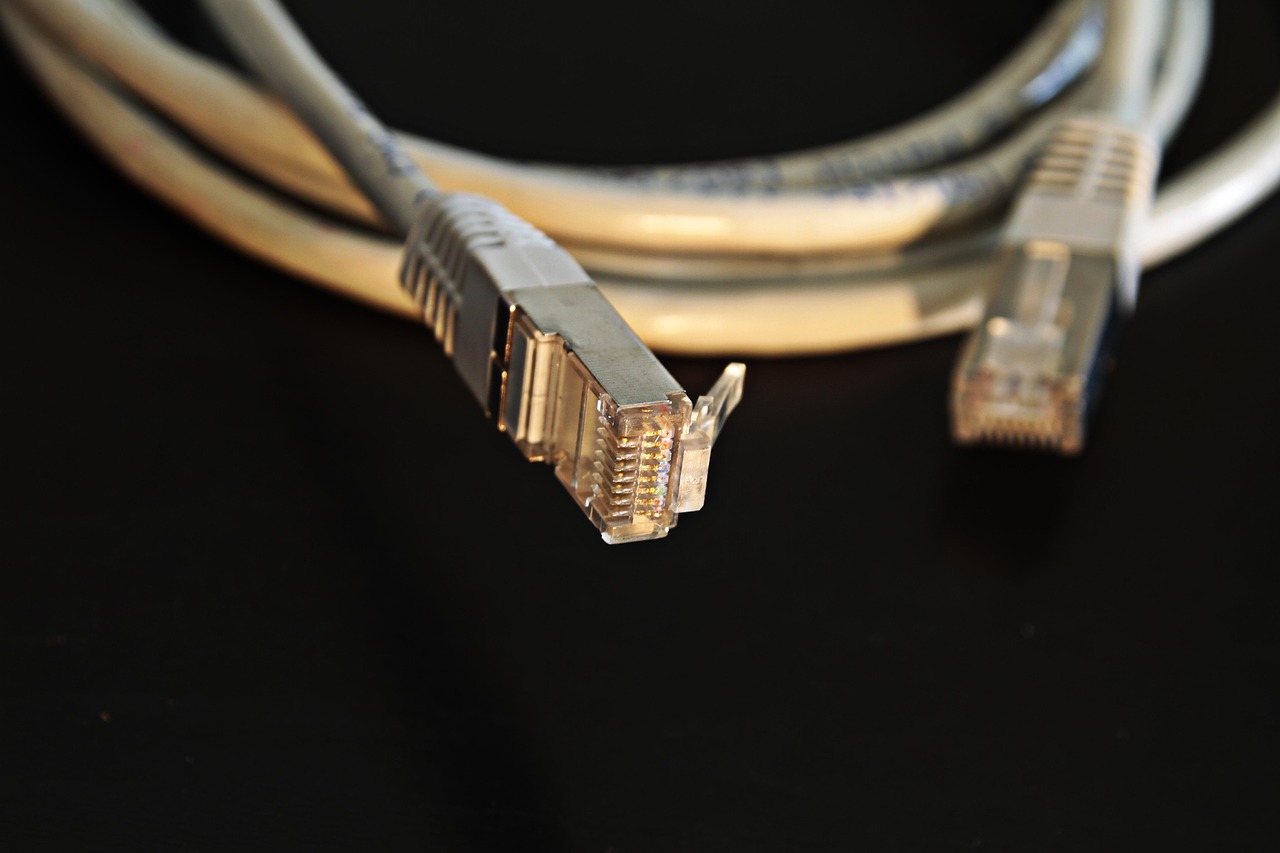
Cable internet runs on a network architecture commonly called HFC, or hybrid fiber-coax. Fiber carries traffic deep into a provider’s regional and neighborhood network, while coaxial cable often completes the final connection to the home. Inside the home, a cable modem translates signals on the coax line into Ethernet, then a router or gateway distributes the connection over wired Ethernet and Wi-Fi.
The technical standard behind modern cable broadband is DOCSIS, short for Data Over Cable Service Interface Specification. CableLabs, the industry research and specification body behind DOCSIS, released DOCSIS 4.0 in March 2020. The specification was designed to support much higher capacity over HFC networks, including downstream speeds up to 10 Gbps and upstream speeds up to 6 Gbps under the standard’s capabilities. That does not mean every cable customer can buy those speeds today. It means the cable platform has a defined upgrade path that operators can deploy over time.
This distinction is important. A household’s real cable internet experience depends on more than the DOCSIS version printed on a modem box. The provider must upgrade local network equipment, allocate spectrum for upstream traffic, certify compatible modems, and sell plan tiers that use those capabilities. A DOCSIS 3.1 modem on a well-maintained network can still be very fast for downloads, while DOCSIS 4.0 may be available only in selected markets or plan tiers.
Why upload speed matters more than it used to
Older home internet buying habits focused heavily on download speed because the main use cases were web browsing, file downloads, and video streaming. Connected homes now send more traffic upstream. A video doorbell sends footage to the cloud. A security camera may upload motion clips. A work laptop joins video meetings. A phone backs up photos. A smart hub checks in with cloud services. None of these tasks always needs huge bandwidth on its own, but together they can expose a weak upload tier.
The Federal Communications Commission raised its fixed broadband benchmark in March 2024 from 25 Mbps download and 3 Mbps upload to 100 Mbps download and 20 Mbps upload. That benchmark is not a promise that every plan performs at those speeds at every moment, but it is an important signal: modern broadband is now judged with upload capacity in mind, not just download capacity.
For a typical connected household, 100 Mbps down can be enough for many routine tasks if the network is stable and the Wi-Fi is well designed. The harder question is upload. A home with several cloud cameras, regular video calls, remote work tools, and online gaming should treat 20 Mbps upload as a practical floor rather than a luxury. Homes that upload large files, stream live video, or run many cameras may need substantially more.
How cable internet performs in a smart home
Most smart home devices are light bandwidth users. A smart plug, thermostat, door sensor, or connected bulb sends small bursts of data rather than a constant stream. The devices that change the calculation are video devices, entertainment devices, computers, game consoles, and phones. In many households, the smart home load is less about one demanding device and more about concurrency: several people and many devices competing at the same time.
Industry research has repeatedly shown that U.S. internet households now contain many connected devices, and smart home adoption continues to grow. Parks Associates has reported that a large share of U.S. internet households own at least one smart home device, while connected TVs, speakers, cameras, wearables, phones, laptops, and tablets add to the total device count. This is why a plan that looked generous a few years ago can feel tight after a household adds cameras, 4K streaming, remote work, and cloud services.
Still, many cable internet problems blamed on the ISP are actually home-network problems. A weak router location, old Wi-Fi standard, crowded 2.4 GHz channel, poor mesh placement, or overloaded gateway can make a fast cable plan feel slow. For smart hardware coverage, the goal is consistent signal and low packet loss, not only high speed-test numbers near the router.
- Use Ethernet for fixed high-demand devices. TVs, gaming consoles, desktop PCs, and network storage are better on wired connections when possible.
- Reserve Wi-Fi capacity for mobile and low-power devices. Phones, tablets, sensors, and smart speakers benefit when heavy devices are not crowding the airwaves.
- Place the gateway centrally. A cable outlet in a corner room may be convenient for installation but poor for whole-home coverage.
- Watch upload during busy hours. If video calls degrade while cameras are active, the issue may be upstream congestion or bufferbloat, not download speed.
For more practical networking coverage, see the site’s CONNECTIVITY section.
Cable internet vs fiber, fixed wireless, and DSL
Cable internet competes with several broadband access technologies. The right choice depends on what is available at a specific address, not only on national marketing claims. Fiber is often the strongest technical option when it is available and priced reasonably, especially because fiber plans are commonly more symmetric. Fixed wireless can be quick to install and useful where wired options are limited, but performance may vary with signal quality, tower load, and receiver placement. DSL is widely understood and may remain available in some areas, but it is usually the least attractive option where cable or fiber exists.
| Connection type | Main strengths | What to check before choosing | Best fit |
|---|---|---|---|
| Cable internet | Fast downloads, broad urban and suburban availability, established equipment ecosystem | Upload speed, data cap, gateway fees, DOCSIS version, local congestion | Streaming, smart homes, general family use, gaming downloads |
| Fiber | High capacity, often low latency, commonly strong upload performance | Address availability, installation path, promotional pricing after the first term | Heavy upload users, creators, remote work, multi-gig households |
| Fixed wireless | Fast installation, useful where wired broadband is limited | Signal strength, indoor receiver placement, deprioritization policies, data terms | Renters, backup connections, areas with weak wired choices |
| DSL | Uses existing phone-line infrastructure in some locations | Distance from equipment, low speed ceilings, upgrade path | Basic use only when faster wired or wireless options are unavailable |
For a connected home, the most important comparison is usually cable versus fiber. Cable can be excellent for downloads and everyday reliability, but fiber is more likely to offer matching or near-matching upload and download tiers. That matters if the home produces as much data as it consumes. If the household mainly streams, browses, shops, controls smart devices, and downloads games, a well-provisioned cable plan may be entirely sufficient.
How to read a cable internet plan before signing up
In the United States, broadband providers must show standardized consumer labels at the point of sale. Large providers were required to display these labels beginning April 10, 2024, and smaller providers received an October 10, 2024 compliance date. These labels are useful because they put pricing, fees, speeds, data allowances, and other plan details in a more comparable format. See also: BUYING GUIDES.
Do not stop at the headline download speed. A plan advertised as gigabit may have a much lower upload number. That does not make it bad, but it changes the fit. A household with one 4K TV and a few smart speakers may be happy. A household with multiple cloud cameras, remote workers, and regular large uploads should compare upload tiers carefully.
| Plan detail | Why it matters for smart homes |
|---|---|
| Download speed | Affects streaming, software updates, large downloads, and multiple users consuming content at once. |
| Upload speed | Affects cameras, video meetings, cloud backup, live streaming, and sending large files. |
| Latency and reliability | Affects gaming, calls, remote desktop, security-device responsiveness, and perceived smoothness. |
| Data allowance | Important for homes with heavy streaming, cloud cameras, game downloads, and frequent backups. |
| Equipment fees | Can change the real monthly cost and may affect whether you can use your own modem or router. |
| Promotional pricing | Introductory rates can expire, so compare the regular monthly price as well as the first bill. |
A practical buying process is simple. First, list the devices that run at the same time during the busiest evening hour. Second, identify upload-heavy uses such as cameras, meetings, and cloud backup. Third, check whether the provider supports a current DOCSIS modem and whether the plan has a data limit. Finally, test whether your home needs a better router or mesh system before paying for a much faster tier.
When cable internet may not be enough
Cable internet can be a strong choice, but it is not automatically the best fit for every connected home. The warning signs usually involve upload pressure, latency under load, or whole-home coverage issues.
If security cameras are recording continuously to the cloud, upload requirements can climb quickly. If two people work from home while a console downloads a large game and a backup service syncs files, the connection can feel unstable even when the advertised download speed is high. If a smart lock or camera fails only from the far side of the house, the cable service may be fine while the Wi-Fi design is the real problem.
Before switching providers, isolate the bottleneck. Run a wired speed test directly from the router or gateway when possible. Compare results during quiet hours and peak evening hours. Pause cloud backups and camera uploads to see whether video calls improve. Check whether the gateway supports modern Wi-Fi standards and whether its placement creates dead zones. If wired performance is strong but wireless performance is weak, upgrading the home network may deliver more value than upgrading the internet plan.
Choose fiber over cable when symmetrical upload, very low latency, or multi-gig upstream performance is essential and fiber is available at a reasonable price. Choose cable when it offers the best mix of availability, download speed, price, and sufficient upload for the household’s real workload.
Frequently asked questions
Is cable internet the same as Wi-Fi?
No. Cable internet is the broadband connection coming into the home through coaxial cable and a modem. Wi-Fi is the local wireless network created by your router or gateway. A home can have fast cable internet and poor Wi-Fi if the router is old, badly placed, or overloaded.
Is cable internet good for smart home devices?
Yes, cable internet is usually good for smart home devices, especially sensors, plugs, bulbs, speakers, thermostats, and hubs. The main exceptions are homes with many cloud cameras, heavy video calling, large uploads, or weak Wi-Fi coverage. In those cases, upload speed and network design become more important.
How much cable internet speed does a connected home need?
A light household may be comfortable around the FCC’s 100 Mbps download and 20 Mbps upload benchmark if the connection is stable. Larger households, 4K streaming, gaming downloads, multiple video calls, and cloud cameras can justify higher tiers. Upload speed should be evaluated separately from download speed.
Does DOCSIS 4.0 mean cable internet is the same as fiber?
Not exactly. DOCSIS 4.0 gives cable networks a path to much faster and more symmetric service, but performance depends on local deployment and available plans. Fiber still has structural advantages for symmetrical capacity, while upgraded cable can remain highly competitive for many homes.
Should I rent the provider gateway or use my own equipment?
Renting can simplify support and may be required for some managed Wi-Fi features. Buying your own compatible modem and router can reduce monthly fees and give you more control, but you must confirm that the modem is approved for the provider and speed tier. For smart homes, router quality and placement are often just as important as the modem.