How a fiber connection works and what to check before upgrading
What a fiber connection really means
A fiber connection delivers internet access through fiber-optic cable, with data carried as pulses of light rather than electrical signals over copper. For homes, offices, and smart hardware deployments, the main value is not just a higher advertised download speed. Fiber can also support stronger uploads, lower latency, steadier performance under load, and a clearer upgrade path than many older copper-based access networks.
Not every service marketed as fiber uses the same design. A true fiber-to-the-home or fiber-to-the-premises connection is different from a network that uses fiber to a neighborhood cabinet and then copper for the final link. This article explains what a fiber connection means in practical terms for connected devices, cloud services, security systems, Wi-Fi routers, and small business networks. For more connectivity explainers, visit the CONNECTIVITY section.
How a fiber connection carries data
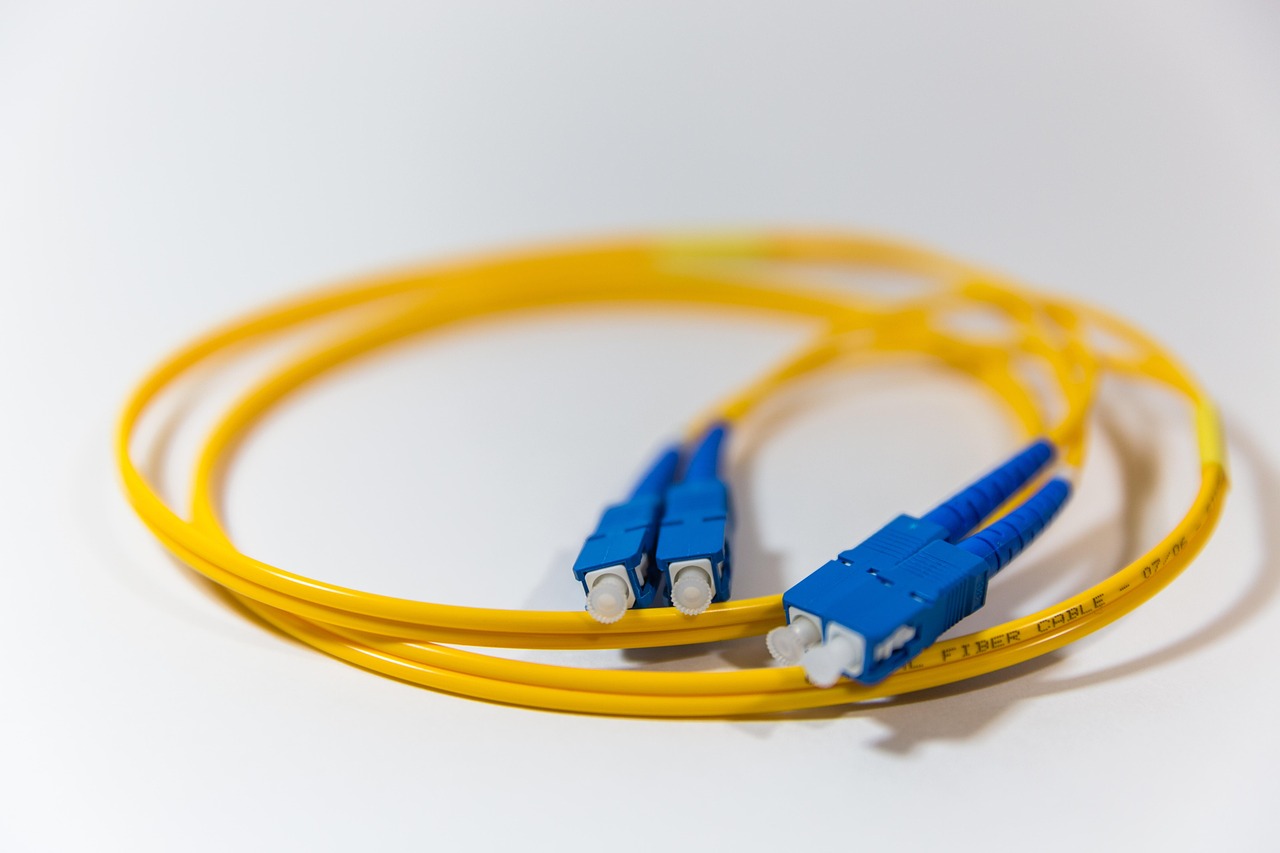
In a fiber-optic network, the physical medium is a thin strand of glass or plastic designed to guide light. Optical transmitters convert digital data into light signals, the fiber carries those signals over distance, and optical receivers convert the light back into electrical data that networking equipment can process. Because fiber does not move data as electrical current along copper conductors, it is less affected by electromagnetic interference from power lines, motors, and other electrical noise sources.
For residential and small business broadband, the most common architecture is fiber to the home, often shortened to FTTH, or fiber to the premises, known as FTTP. In this design, the provider runs fiber all the way to the customer location. An optical network terminal, or ONT, sits at the premises and acts as the handoff between the provider optical network and the customer network. The ONT usually connects to a router by Ethernet. From there, Wi-Fi access points, switches, smart hubs, computers, cameras, and appliances use the local network much as they would with any other broadband service.
The word fiber is sometimes used loosely in marketing. Fiber to the node, fiber to the curb, and hybrid fiber-coaxial systems may use fiber for part of the route while relying on copper, coaxial cable, or another medium for the last segment. Those networks can still be fast, but their performance characteristics are not identical to a direct fiber connection into the premises.
The network design behind FTTH
Most FTTH deployments use a passive optical network, or PON. In a PON, an optical line terminal at the provider facility serves multiple customer ONTs through an optical distribution network. Passive splitters divide the light signal toward customer locations without powered electronics in the field. This reduces the amount of active equipment between the provider and the customer, which can help with reliability and maintenance.
PON is usually a shared access design. Several customers can share capacity on the same optical segment, even though each customer has an individual fiber drop or dedicated path from a splitter to the premises. This is not automatically a problem; modern PON systems are engineered with traffic management and oversubscription assumptions. It does, however, explain why advertised plan speed, actual throughput, upstream capacity, and neighborhood loading can all affect the user experience.
Some business and enterprise services use point-to-point fiber instead. In that model, the customer may receive a more dedicated optical path and a service-level agreement. Point-to-point fiber is often more expensive and is usually sold as business connectivity rather than mass-market broadband. For a smart home, small office, or retail location, FTTH PON is often the more relevant option.
Why fiber feels different from cable, DSL, and fixed wireless
The visible difference between fiber and older access technologies is often speed, but the more important difference may be consistency. DSL performance depends heavily on copper loop length and line quality. Cable broadband can deliver high downstream speeds, but many older cable plans have much lower upload speeds than downloads because of how spectrum is allocated on the coaxial network. Fixed wireless can be fast where signal quality and capacity are strong, but it depends on radio conditions, tower loading, spectrum, line of sight, and installation quality.
Fiber has advantages because the medium supports high capacity and because modern optical access systems can be upgraded over the same outside plant. The OECD Digital Economy Outlook 2024 described scalable broadband access technologies such as FTTH as examples of networks that can support symmetrical download and upload performance as digital demand grows. Symmetrical or near-symmetrical capacity is especially useful for cloud backup, video conferencing, remote work, creator workflows, smart security camera uploads, and connected business systems.
Latency is another important factor. Latency is the time it takes for data to travel to a destination and back. Fiber does not remove all latency, because routing, Wi-Fi, server distance, congestion, and device processing also matter. Still, fiber access networks are often well suited to low-latency applications because they avoid some of the electrical and shared-channel limitations of older access networks. The FCC and other broadband measurement programs treat latency as a separate quality metric, not simply as a side effect of speed.
Common fiber connection standards and upgrade paths
Fiber broadband is not one fixed technology. Providers choose from several generations of PON and Ethernet-based systems depending on cost, capacity, installed equipment, and upgrade strategy. The table below summarizes common access technologies at a high level.
| Technology | Typical role | Nominal capacity profile | What it means for users |
|---|---|---|---|
| GPON | Widely deployed legacy and current FTTH access | About 2.5 Gbps downstream and 1.25 Gbps upstream shared on the PON | Can support many mainstream plans, but high-upload or multi-gig service may require newer access equipment. |
| XGS-PON | Common next-generation residential and business FTTH upgrade | 10 Gbps downstream and 10 Gbps upstream nominal line rate | Better fit for symmetrical gigabit and multi-gig plans when the provider and customer equipment support it. |
| 25GS-PON | Higher-capacity upgrade path used by some operators and vendors | 25 Gbps-class PON capacity | Useful where providers need more capacity for premium residential, business, mobile transport, or dense areas. |
| 50G-PON | Higher-speed PON defined by ITU-T G.9804.3 | 50 Gbit/s downstream, with 12.5 Gbit/s and 25 Gbit/s upstream options currently defined in that recommendation | Shows the long-term upgrade direction of optical access, though availability depends on provider deployment. |
The practical point is that a fiber connection installed today may support future upgrades without replacing every buried or aerial fiber strand. Providers may upgrade electronics at the optical line terminal and customer ONT, add compatible wavelengths, or migrate customers from GPON to XGS-PON over time. The Broadband Forum has reported interoperability work around XGS-PON, 25GS-PON, and 50G higher-speed PON systems, reflecting the industry focus on multi-vendor compatibility and migration planning.
For buyers, the standard behind the service is usually less important than the plan, the ONT, the router port speed, and the provider policy. A 2 Gbps service will not perform as expected if the ONT Ethernet handoff is limited to 1 Gbps or if the router WAN port cannot handle multi-gig throughput.
What to check before upgrading
The first question is availability. In the United States, the FCC National Broadband Map shows fixed broadband availability by location based on provider submissions through the Broadband Data Collection. The map can be useful, but it should not be treated as the only proof of service. Always confirm with the provider, especially for apartments, new builds, rural roads, and addresses near the edge of a service area.
The second question is whether the service is FTTH or a mixed architecture. Ask whether fiber terminates at the premises and whether the provider installs an ONT inside or outside the building. If the service uses fiber to a cabinet and copper for the last segment, performance may still be acceptable, but it is not the same physical design as FTTH.
The third question is advertised speed versus typical speed. In the U.S., broadband consumer label rules require providers to display plan information such as monthly price, typical download and upload speeds, typical latency, and certain fees. Large providers had compliance obligations beginning April 10, 2024, while smaller providers received an October 10, 2024 date for many requirements. These labels are useful because a fiber connection should be judged by upload speed, latency, and total cost as well as by download speed.
The fourth question is the home or office network. A fast fiber plan can be slowed by older Ethernet ports, low-end routers, poor Wi-Fi placement, congested channels, or devices that cannot use the available capacity. For multi-gig fiber, check the ONT handoff speed, router WAN and LAN port speeds, switch capacity, Ethernet cable category, and Wi-Fi generation. Wi-Fi 6, Wi-Fi 6E, and Wi-Fi 7 can improve local wireless performance, but the result depends on client devices, channel width, interference, and access point placement. See also: BUYING GUIDES.
The fifth question is power. Fiber itself does not carry electrical power to your router or ONT. If the ONT, router, or Wi-Fi access point loses power, the connection at the premises will stop working even if the provider network remains active. For security systems, remote monitoring, or small business payment devices, a battery backup or UPS can be as important as the broadband plan.
Why fiber matters for smart hardware
Smart hardware is no longer limited to simple sensors. A modern home or small business may have cloud-connected cameras, doorbells, thermostats, health devices, voice assistants, network storage, energy management systems, point-of-sale terminals, and remote access tools. These devices create a different traffic pattern from traditional web browsing. Many upload data continuously or in bursts, and some are sensitive to latency, jitter, and packet loss.
A fiber connection can help in three practical ways. First, stronger upload capacity supports cameras, cloud storage, video calls, and remote access without making the entire network feel slow. Second, lower and more stable latency improves interactive applications such as gaming, remote desktops, video meetings, and control systems. Third, the upgrade path of fiber can help protect investment in building wiring and network equipment as device counts increase.
Fiber is not a cure for every smart hardware problem. Poor Wi-Fi coverage can still break a camera feed. A cheap router can still become the bottleneck. Cloud platforms can still have outages. Devices can still be insecure if they use weak passwords or stop receiving firmware updates. The right way to think about fiber is as a stronger access foundation, not as a replacement for good network design.
Limitations and risks to understand
The first limitation is availability. The Fiber Broadband Association and RVA reported that U.S. fiber deployment reached 11.8 million additional homes passed in 2025 and that total FTTH passings were approaching the 100 million mark when including homes with more than one passing. That indicates strong growth, but it does not mean every address has fiber or competitive fiber choices.
The second limitation is construction complexity. A new fiber connection may require trenching, aerial drop work, conduit access, landlord approval, or a scheduled technician visit. Multi-dwelling buildings can be especially complicated because service may depend on building wiring rights, equipment rooms, riser space, and agreements between property owners and providers.
The third limitation is plan design. Some fiber plans are symmetrical, while others are not. Some include data caps, equipment fees, promotional prices, or higher renewal rates. Business users should also check static IP availability, service-level commitments, support response, and whether the plan is residential broadband or business-grade service.
The fourth limitation is security. Fiber is difficult to tap casually compared with exposed copper or Wi-Fi, but no access medium makes a network automatically secure. Router configuration, firewall rules, device updates, VPN policy, administrator passwords, and segmentation for IoT devices remain necessary.
Frequently asked questions
Is a fiber connection always faster than cable internet?
Not in every plan comparison. A high-tier cable plan can be faster than a low-tier fiber plan in advertised download speed. Fiber usually has a stronger advantage in upload capacity, latency consistency, and long-term scalability, especially when the provider offers symmetrical service.
Do I need a special router for fiber?
You usually need an ONT from the provider and a router with an Ethernet WAN port. For gigabit or multi-gig plans, the router should have enough WAN and LAN capacity to match the plan. If the router has only 1 Gbps ports, it can bottleneck a faster fiber service.
Why is my speed test lower than my fiber plan?
Common causes include testing over Wi-Fi, using an older device, connecting through a slow router or switch, testing to a distant server, background traffic, or congestion beyond the access link. For a more accurate test, use a wired Ethernet connection to a capable device and test against a nearby reliable server.
Can fiber internet work during a power outage?
The outside fiber line does not need electrical power at your home, but the ONT, router, and Wi-Fi equipment do. If those devices lose power, your local connection will fail. A UPS can keep critical network gear online for a limited time.
Is fiber worth it for smart home devices?
Fiber is often worth considering when a home has several cameras, frequent video calls, cloud backups, gaming, remote work, or many connected devices. The biggest gains usually come from better upload performance, lower latency, and more headroom for simultaneous activity.
Bottom line
A fiber connection is best understood as an optical access foundation for high capacity, strong upload performance, low latency, and future upgrades. The real user experience still depends on the provider network, plan terms, ONT, router, Wi-Fi design, and device quality. Before upgrading, confirm that the service is true FTTH or FTTP, review the broadband label, check equipment limits, and plan the local network around the devices that matter most. For smart hardware environments, that careful approach can turn fiber from a faster internet plan into a more reliable connectivity layer.