Ergonomic design for smart hardware that people use every day
Why ergonomic design matters in connected devices
Ergonomic design for smart hardware means designing the physical product, controls, feedback, setup flow, and routine maintenance around real human capabilities and limits. In connected devices, this matters because a poor grip, unclear indicator, heavy wearable, awkward charging motion, or repeated reach can turn advanced technology into a product people avoid. Strong ergonomic decisions are not cosmetic. They reduce unnecessary strain, shorten learning time, make errors easier to notice, and help the device fit different bodies, routines, and environments. For smart hardware teams, the practical goal is clear: make the device easier to hold, wear, read, adjust, clean, charge, and trust during normal use.
This becomes more important as intelligent hardware moves beyond desks and labs into kitchens, vehicles, factories, clinics, homes, and outdoor environments. A device may have sophisticated sensors and reliable software, but users still experience it through weight, texture, posture, reach distance, visual cues, and feedback timing. The design question is therefore not only “Does it work?” but also “Can the intended user use it repeatedly without avoidable discomfort, confusion, or risky workarounds?”
Ergonomics starts with context, not shape
A common mistake is to treat ergonomics as a late-stage adjustment to curves, materials, or button size. In practice, ergonomic design starts much earlier, with a clear description of users, tasks, and environments. A wrist-worn device, handheld scanner, smart thermostat, connected health monitor, and industrial controller all raise different ergonomic questions. Who uses it? How often? For how long? In what posture? Under what lighting, noise, stress, temperature, or time pressure? What happens if the user misunderstands a signal or skips a step?
CDC/NIOSH materials on workplace ergonomics identify risk factors such as force, repetition, awkward posture, vibration, intensity, frequency, and duration. Those factors translate directly into product design decisions. A smart tool used briefly once a week can tolerate different weight, reach, and grip demands than a tool used hundreds of times per shift. A connected consumer product used in a quiet living room can rely on different feedback than a wearable or controller used outdoors, in motion, or by someone wearing gloves. (cdc.gov)
The design implication is that “comfortable” is too vague to stand alone as a product requirement. Better requirements describe observable conditions: the device can be operated with one hand by the intended user group; the display remains readable at the expected viewing distance; the primary control can be reached without wrist deviation; setup does not require sustained overhead work; and charging is obvious without relying on a fragile orientation. These requirements are easier to test and harder to dismiss as personal preference.
Map ergonomic design across the smart hardware stack
Smart hardware combines mechanical design, electronics, sensors, firmware, app experiences, and cloud-connected features. Ergonomics should be mapped across that stack because user strain and error often appear between components rather than inside one component.
Physical fit and contact
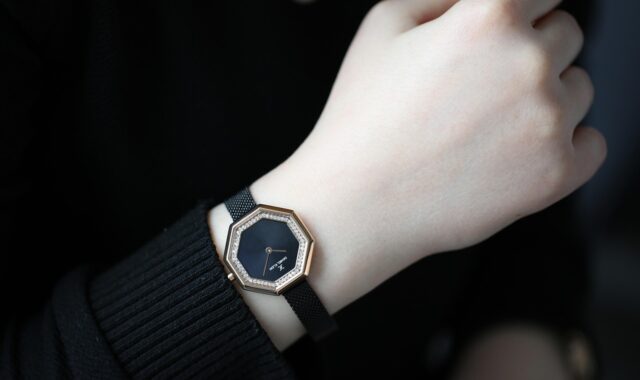
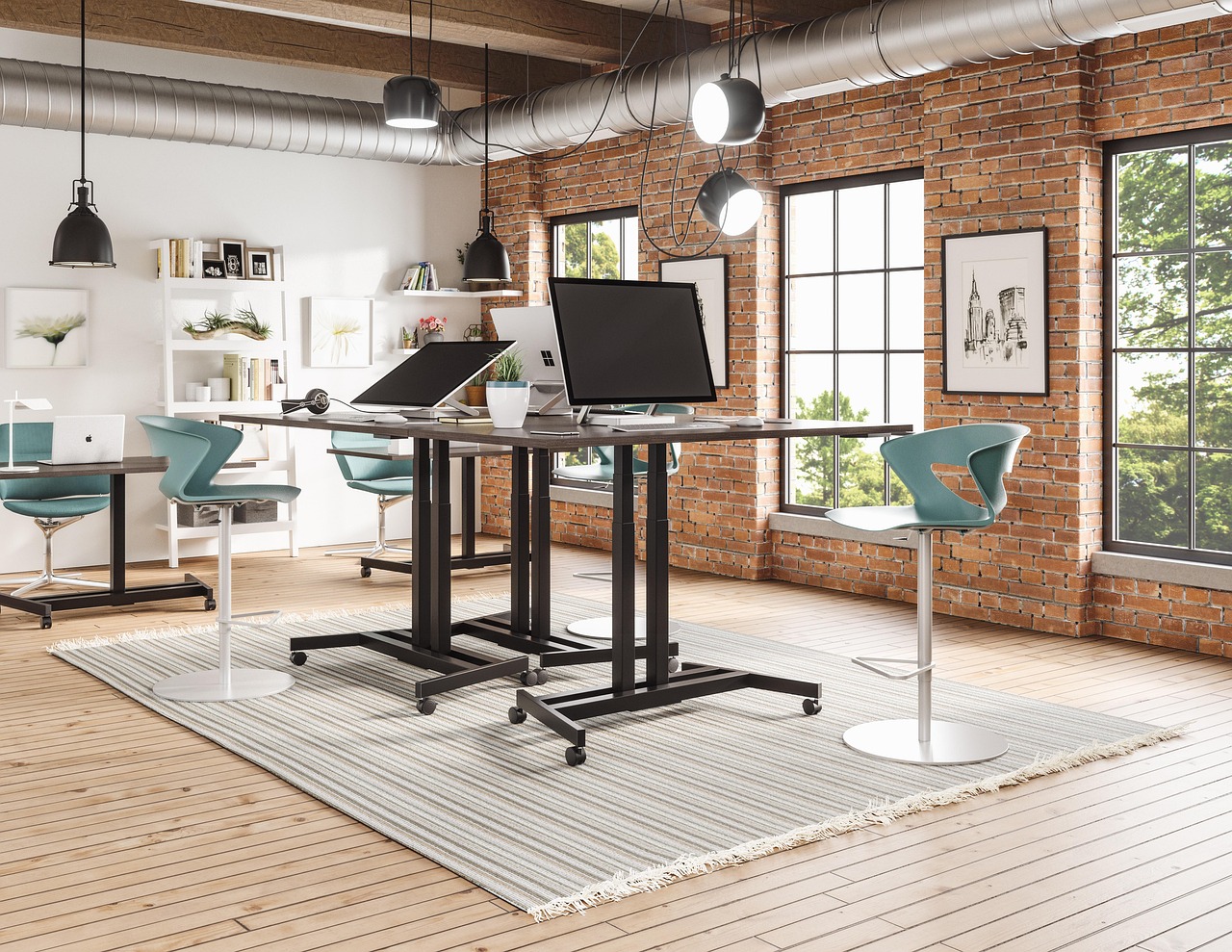
Physical fit covers size, contour, edge treatment, weight distribution, thermal comfort, contact pressure, materials, and adjustability. For handheld devices, this includes grip diameter, balance, trigger or button force, surface friction, and whether the user can maintain a neutral wrist posture. For wearables, it includes strap adjustability, pressure points, skin contact, sensor placement, and whether the device remains stable during motion without being tightened excessively. For mounted or desktop devices, it includes viewing angle, cable routing, reach zones, and whether a user must twist, lean, or stretch to interact with the product.
The key is to design for variation. A single average hand, wrist, shoulder height, or visual acuity profile is not a reliable target for a real market. Adjustable bands, alternative mounting options, configurable left/right orientation, replaceable interface parts, and clear tolerances can often solve more ergonomic problems than a fixed sculpted form.
Controls, feedback and attention
Ergonomic design also includes cognitive and perceptual load. Buttons that look alike, icons that depend on memorization, alerts that are too subtle, and app flows that hide device status can create use errors even when the hardware feels comfortable. Smart devices should make state, action, and consequence legible. Pairing, charging, sensing, recording, warning, standby, and failure states should be distinguishable.
Feedback should match the situation. A visual indicator may be enough for a kitchen device on a counter, but not for a tool used in bright sunlight or a wearable covered by clothing. Haptic or audio feedback can help, but it should not create new problems through annoyance, privacy issues, or missed signals in noisy environments. The ergonomic question is not whether the feedback is impressive; it is whether the right user notices and understands it at the right moment.
Setup, maintenance and charging
Many ergonomic failures appear outside the main use case. Battery replacement, charging, cleaning, firmware reset, strap replacement, sensor alignment, and transport can all create friction. A device that is comfortable during active use may still fail in daily life if it requires a fingernail to open a cover, a precise cable angle to charge, or repeated app troubleshooting to reconnect. For connected hardware, onboarding is part of ergonomics because the user is often handling the device, app, and network settings at the same time.
What standards and regulators make clear
Ergonomic design is not governed by one universal checklist, but several authoritative sources are useful for product teams. ISO 9241-210:2019 addresses human-centred design for computer-based interactive systems and was listed by ISO as reviewed and confirmed in 2025. Its scope explicitly includes both hardware and software components in human-system interaction. ISO 9241-5:2024 focuses on workstation layout and postural requirements for interactive systems with visual displays, making it relevant when smart hardware is used with screens, mounts, or operator stations. (iso.org)
For medical and health-related devices, expectations become more risk-focused. The FDA’s August 2026 final guidance on applying human factors and usability engineering to medical devices describes a process intended to help manufacturers reduce use-related risk and support safe, effective use by intended users in intended environments. FDA-recognized IEC 62366-1:2015+AMD1:2020 specifies a usability engineering process for medical devices as it relates to safety, including analysis, specification, development, and evaluation. (fda.gov)
| Reference area | Useful lesson for smart hardware | Design question to ask |
|---|---|---|
| Human-centred design | Plan user research, requirements, and evaluation across the life cycle, not only at the end. | Have user needs been converted into testable product requirements? |
| Posture and workstation layout | Consider reach, viewing angle, equipment placement, and posture when devices are mounted or screen-based. | Does the product force twisting, bending, glare, or repeated awkward reach? |
| Work-related risk factors | Look for force, repetition, vibration, contact stress, awkward posture, and duration. | Which repeated task creates the highest physical load? |
| Medical usability engineering | When use errors can cause harm, treat ergonomics as part of risk management. | Which incorrect or omitted actions could create safety consequences? |
A practical workflow for ergonomic design reviews
A useful ergonomic review does not need to wait for a finished prototype. It can be built into product decisions from concept to validation. For more product-development perspectives, see the product design section on jspfbdf.com. See also: BUYING GUIDES.
- Define intended users and use environments. Include body variation, skill level, dominant hand assumptions, mobility, visual demands, clothing, gloves, lighting, noise, weather, and stress conditions.
- Break use into tasks. Map unboxing, setup, wearing or mounting, active use, feedback interpretation, cleaning, charging, storage, updates, and troubleshooting.
- Identify high-load and high-risk interactions. Look for repeated force, sustained postures, precision grips, small controls, hidden status changes, ambiguous alarms, and tasks performed under time pressure.
- Translate risks into requirements. Replace vague goals with measurable criteria such as maximum acceptable device weight for a task, minimum readable status distance, grip clearance, control spacing, or number of steps in setup.
- Prototype at multiple fidelities. Foam models, weighted mockups, strap samples, display simulations, and click-through onboarding flows can reveal different ergonomic issues before tooling decisions become expensive.
- Test with representative users. Include people who match the intended range of hand sizes, strength, experience, visual ability, and environmental constraints. Observe workarounds, pauses, grip changes, and misunderstood cues, not only stated opinions.
- Document trade-offs. Record why size, battery, waterproofing, antenna placement, sensor accuracy, button force, or housing thickness decisions were made, and what user impact remains.
Trade-offs that shape smart hardware ergonomics
Ergonomic design often exposes conflicts between engineering, industrial design, and business goals. Smaller devices may be easier to carry but harder to grip, read, or control. Larger batteries extend runtime but add weight and contact pressure. Waterproof housings can protect electronics but increase button stiffness or make doors harder to open. Minimalist interfaces may look clean but hide important status information. Stronger haptics may improve noticeability but shorten battery life or feel intrusive.
The right answer depends on use context. A wearable for passive overnight sensing should prioritize low pressure, skin comfort, secure fit, and quiet feedback. A handheld industrial scanner should prioritize grip stability, trigger force, durability, glove compatibility, and feedback in noisy settings. A smart home control should prioritize readability, simple physical affordances, setup clarity, and accessible mounting height. A health-related device should prioritize safe use scenarios, error visibility, and documented usability evidence, especially when incorrect operation can affect decisions or outcomes.
In design reviews, the strongest discussions treat these conflicts as evidence questions, not taste debates. If a team prefers a smaller button, the discussion should include who must press it, how often, at what angle, with what level of force, and under what environmental constraints. If a device relies on app-based control, the team should still ask what the user can understand from the hardware alone when the phone is unavailable, disconnected, or locked.
Metrics that make ergonomic design reviewable
Because ergonomics can sound subjective, teams should pair qualitative observation with measurable indicators. Useful measures include task completion rate, setup time, number of grip changes, perceived exertion, misunderstood status signals, control activation errors, charging success on first attempt, frequency of app-device switching, support issues related to fit or setup, and drop or slip incidents during handling. For wearable devices, additional measures may include time worn before adjustment, pressure complaints, skin contact consistency, strap re-adjustment frequency, and sensor data loss related to fit.
Metrics should be interpreted carefully. A fast task is not necessarily safe or comfortable, and a low complaint rate does not prove the design is ergonomic if users silently adapt by changing posture or avoiding features. Observation is essential. Watch for raised shoulders, bent wrists, squinting, repeated tapping, two-handed recovery after one-handed failure, and users turning the device instead of understanding the interface. These behaviors often reveal design problems before survey scores do.
Documentation also matters. A credible ergonomic review should preserve the tested user profiles, prototype version, tasks, environment, findings, design changes, and residual limitations. This record helps future teams understand why a device has a certain strap geometry, button location, display angle, or setup sequence. It also prevents repeated debates when the product is refreshed.
Frequently asked questions
Is ergonomic design only about comfort?
No. Comfort is important, but ergonomic design also covers usability, safety, physical load, perception, feedback, task flow, and error prevention. A device can feel comfortable in the hand yet still be ergonomically weak if users misread its status, operate it in awkward postures, or struggle with charging and setup.
When should ergonomic design be evaluated?
Evaluation should begin during concept development and continue through prototyping, verification, and post-launch learning. Early mockups can reveal grip, reach, and viewing issues, while later prototypes can test weight, feedback, assembly, durability constraints, and real setup behavior.
Do all smart hardware products need formal human factors testing?
Not every product needs the same level of formality. A consumer accessory may use lighter usability and fit studies, while health-related or safety-critical hardware may need a more documented, risk-based human factors process. The level of evidence should match the possible consequence of use error and the complexity of the use environment.
What is the most overlooked ergonomic issue in smart hardware?
Maintenance and transitional tasks are often overlooked. Designers focus on the main interaction, but users also need to pair, charge, clean, reset, update, store, and troubleshoot the device. These tasks can determine whether the hardware remains useful after the first week.
How can product teams balance aesthetics and ergonomics?
Aesthetics and ergonomics should not be treated as opposites. Clean forms can still provide clear affordances, readable status, stable grip, and comfortable contact. The safest approach is to test aesthetic decisions against real tasks and revise the form where appearance creates avoidable strain or confusion.